
Step Counter and Run Tracker3.2 - App Store
You'll be able to see results in few seconds.
Publisher Description
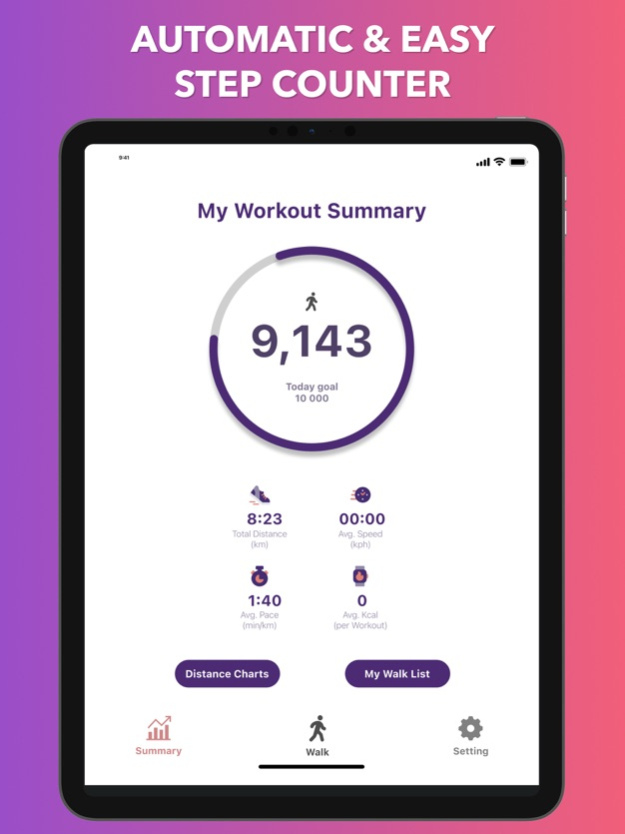
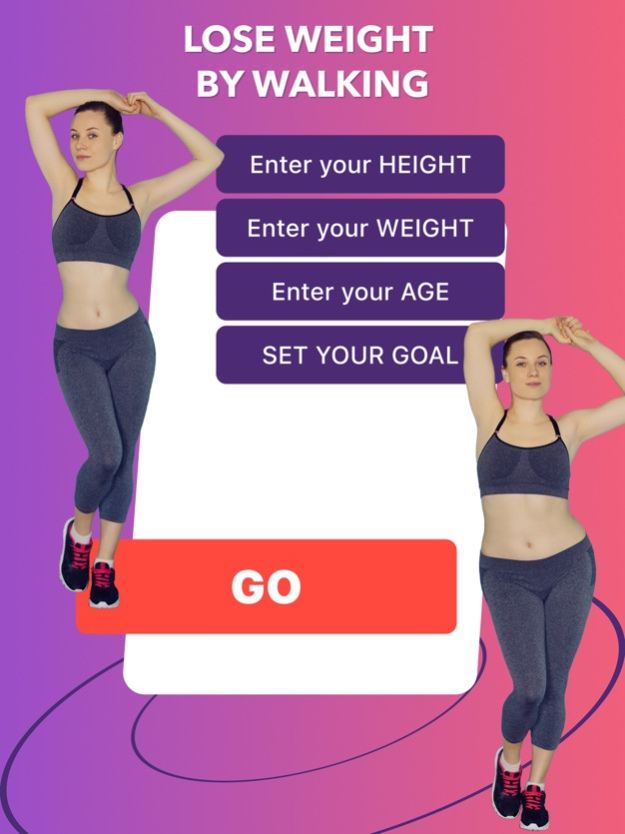
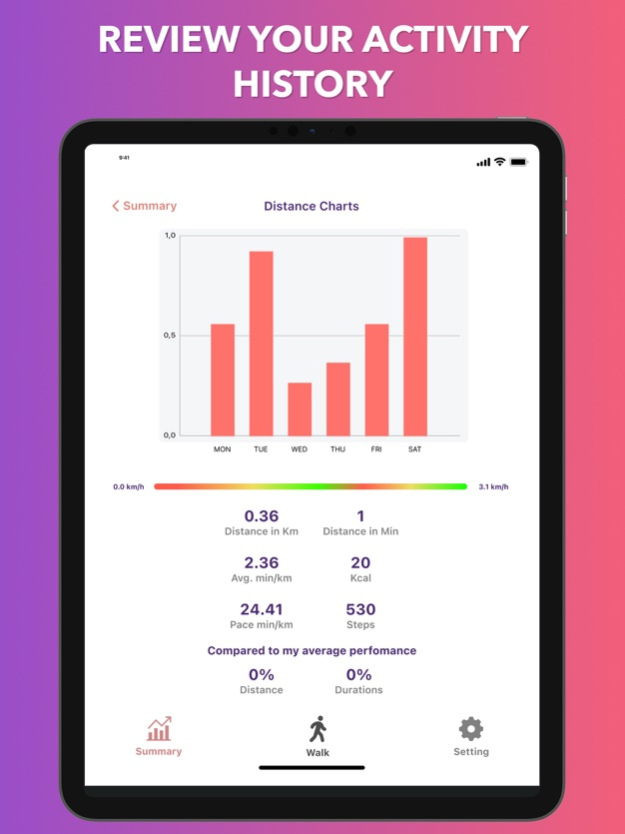
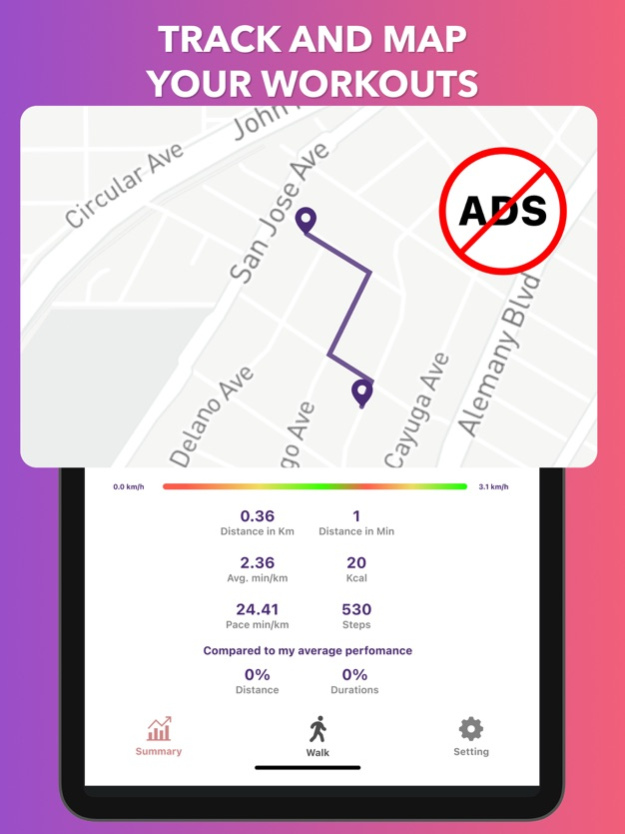
Step Counter and Run Tracker is a comprehensive application with built-in pedometer and virtual fitness trainer. Monitor your activity, set short-term and long-term goals, achieve incredible results and maintain your fitness by analyzing the results of training.
The service will become an excellent fitness assistant on the way to ideal forms. It provides a competent and accurate calculation of the number of steps taken, calories burned and displays the distance traveled, travel time and speed of your movement. Individual fitness plans and training instructions will help you achieve your goals quickly and efficiently. The recommendation system will help you get powerful motivation to maintain an active lifestyle every day. With this app, you can train anywhere, anytime. Find out about the number of steps taken, no matter where your iPhone is, record the calories burned, the distance traveled and the time of your activity. Track weight changes over time and analyze how specific types of training contribute to this. Set goals, count steps, view results.
Premium Features:
– Interactive pedometer
– Automatic step counting
– Control of sports achievements
– Routes from all over the world
– Analysis of indicators in dynamics
– Motivation system
– Achievement of set goals
– Convenient graphs of results
– Workouts with GPS tracking
– Collection of analytical data
– Dark and light mode
Important! There is no free content inside! You must be signed in to access the app
Payment is charged upon confirmation of purchase of the subscription.
Subscription will auto-renew unless auto-renew is turned off at least 24 hours before the end of the current period
The renewal cost depends on the subscription plan. Our standard subscription plans:
1 week subscription is $ 5.99
For other currencies, the price matches the price level in the App Store Price Matrix
Subscription with a free trial period automatically renews to a paid subscription. You can cancel or manage the automatic renewal of the free trial by going to your Account Settings after purchase
Please note: Any unused portion of the three-day free trial period (if offered) will be forfeited when purchasing a premium subscription during the free trial period
For any other information, see our privacy policy and terms of use
Privacy Policy: https://docs.google.com/document/d/16IjREcnV1VAR5pJZzpciztNuU7pRIq5Y379-Qu31Hpo/edit?usp=sharing
Terms of Use: https://docs.google.com/document/d/18xlc337HkLTmDQh460vqFH4z6vJnhFyazHqQJS48Obs/edit?usp=sharing
Oct 9, 2023
Version 3.2
This new version provides improved features for use:
1. Real-Time Step Count: Display the current step count in real-time on the app's home screen. 2. Integrated GPS Tracking: Utilize GPS for more accurate distance tracking during runs. 3. Personalized Goals: Set customizable step and distance goals for daily, weekly, or monthly targets. 4. Calorie Counter: Calculate and display estimated calorie burn based on steps and distance. 5. Heart Rate Monitoring: Integrate heart rate monitoring for a more comprehensive fitness tracking experience.
About Step Counter and Run Tracker
The company that develops Step Counter and Run Tracker is Maksym Tokhtaryts. The latest version released by its developer is 3.2.
To install Step Counter and Run Tracker on your iOS device, just click the green Continue To App button above to start the installation process. The app is listed on our website since 2023-10-09 and was downloaded 0 times. We have already checked if the download link is safe, however for your own protection we recommend that you scan the downloaded app with your antivirus. Your antivirus may detect the Step Counter and Run Tracker as malware if the download link is broken.
How to install Step Counter and Run Tracker on your iOS device:
- Click on the Continue To App button on our website. This will redirect you to the App Store.
- Once the Step Counter and Run Tracker is shown in the iTunes listing of your iOS device, you can start its download and installation. Tap on the GET button to the right of the app to start downloading it.
- If you are not logged-in the iOS appstore app, you'll be prompted for your your Apple ID and/or password.
- After Step Counter and Run Tracker is downloaded, you'll see an INSTALL button to the right. Tap on it to start the actual installation of the iOS app.
- Once installation is finished you can tap on the OPEN button to start it. Its icon will also be added to your device home screen.
Program Details
System requirements
Download information
Pricing
Version History
version 3.2
posted on 2023-10-09
Oct 9, 2023
Version 3.2
This new version provides improved features for use:
1. Real-Time Step Count: Display the current step count in real-time on the app's home screen. 2. Integrated GPS Tracking: Utilize GPS for more accurate distance tracking during runs. 3. Personalized Goals: Set customizable step and distance goals for daily, weekly, or monthly targets. 4. Calorie Counter: Calculate and display estimated calorie burn based on steps and distance. 5. Heart Rate Monitoring: Integrate heart rate monitoring for a more comprehensive fitness tracking experience.
version 3.1
posted on 2022-06-21
Jun 21, 2022 Version 3.1
- small improvements made
Disclaimer
Official App Store Link
We do not host Step Counter and Run Tracker on our servers. We did not scan it for viruses, adware, spyware or other type of malware. This app is hosted by Apple and passed their terms and conditions to be listed there. We recommend caution when installing it.
The App Store link for Step Counter and Run Tracker is provided to you by apps112.com without any warranties, representations or guarantees of any kind, so access it at your own risk.
If you have questions regarding this particular app contact the publisher directly. For questions about the functionalities of apps112.com contact us.
